
Name the friction.
Keys, appliance checks, missed visitors, or a room that never feels right. Start there.
Begin with the moment you want to improve. We make the choice, compatibility check, setup, and support path clear before the device becomes part of your day.
Every route starts with a useful outcome—not a long list of protocols, dashboards, or devices you do not need.
Keys, appliance checks, missed visitors, or a room that never feels right. Start there.
Review door dimensions, appliance load, bulb base, power, and connectivity before buying.
Install, pair, test the manual fallback, and create only the routines you will actually use.
Use the device, refine only what helps, and keep direct support close when the real world changes.
Choose the access style that suits your home. Share door details for a fit check. Install and enrol the people you trust. Test fingerprint, PIN, and fallback access. Then let entry become the easiest part of coming home.
See the Digital Lock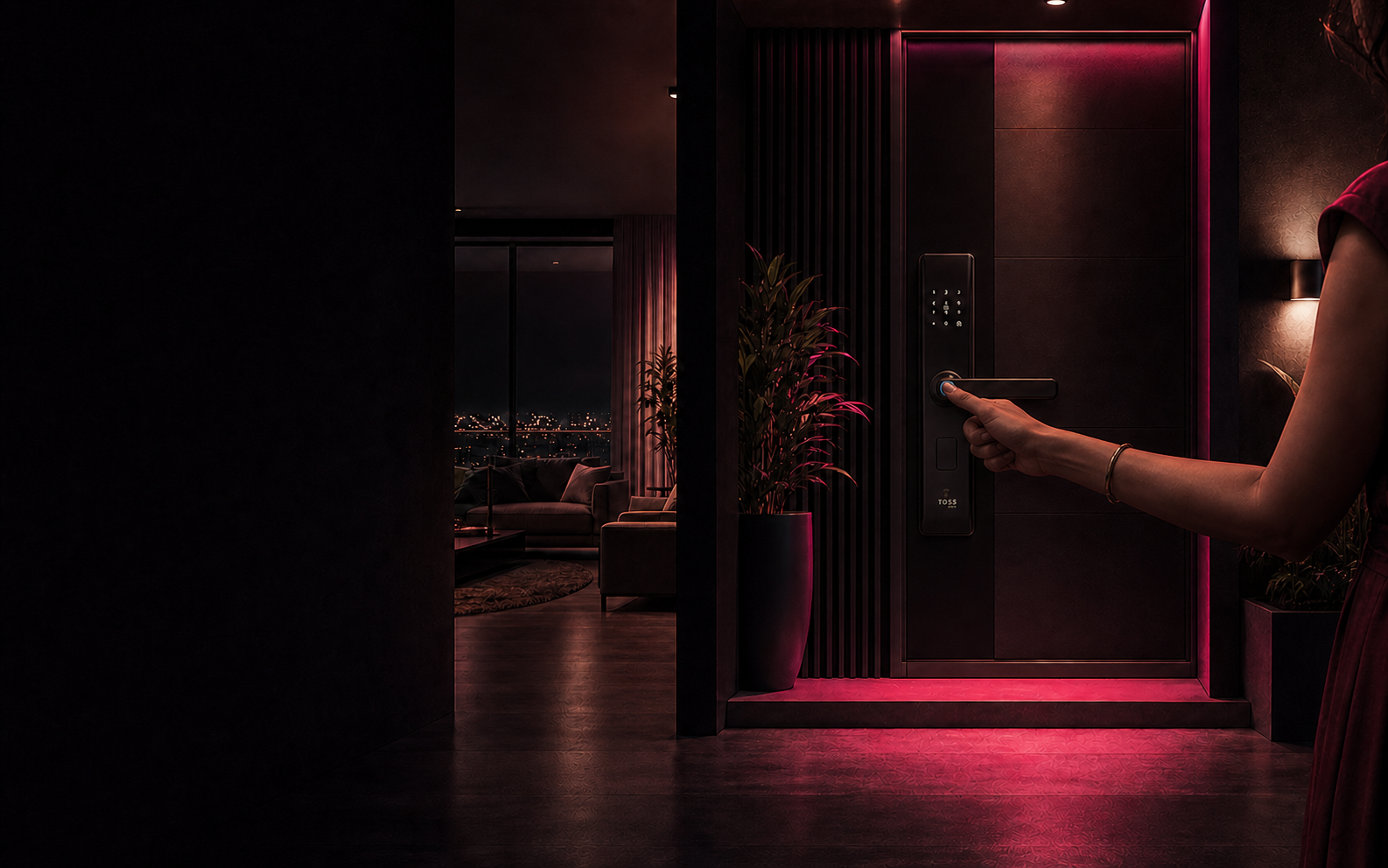
Practical answers for choosing and setting up without overbuilding your home.
No. Start with one recurring friction point—a door, appliance, visitor alert, or room—and add another device only when it earns its place.
Each product page lists the useful compatibility details. For locks and handles, send support photos of the door face, edge, opening direction, and approximate thickness before ordering.
Yes. The setup path differs by product, and support remains available for compatibility, installation, pairing, and everyday-use questions.
Security products retain practical fallback access, while connected controls keep manual controls where the product supports them. Exact fallback details are listed on each product page.
Added to your cart.